Green Living
Can You Recycle Computers?
Last Updated on January 21, 2026
Picture this: Your laptop of three years decides it’s going to conk out. What’s the most sustainable solution? Seeing if you can get it repaired, of course.
Fighting planned obsolescence is a full time job, and it occurs with way more than just electronics.

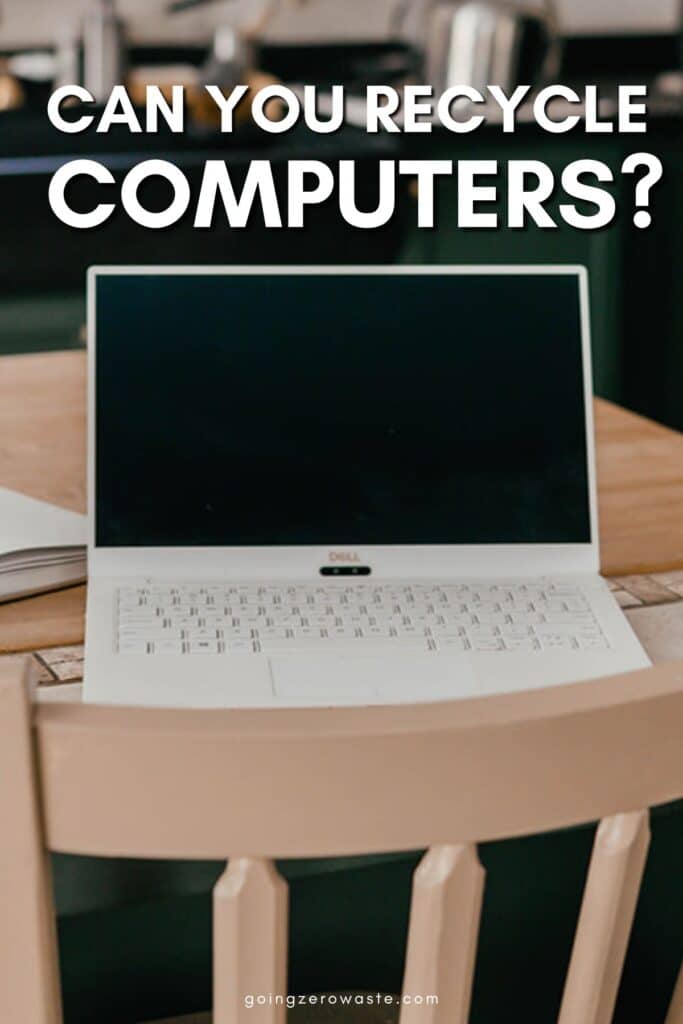
But lets say you can’t repair your laptop for some unforeseeable reason…what then? You recycle it of course.
Computers don’t belong in landfills, nor do most conventional curbside recycling programs accept them. So how do you recycle computers? Here’s everything you need to know about computer recycling (and why we need to dispose of them properly).
why should you recycle computers?
First, lets tackle the reason we should bother to recycle computers. Computers are made up of several components – and when we dump them out, they become notorious for leaking toxins and carcinogens into the environment. This poses a risk for humans, wildlife, and soil quality alike.
However, if we recycle computers, all those components get a second shot at life. There are several valuable materials in our old computers that can be used to make new electronics, thus reducing waste and pollution.
According to the EPA, recycling 1 million laptops saves enough energy to power ~3,500 U.S. homes for a year.
And if that’s not reason enough – improperly disposed computers can put your personal or business files at risk of being recovered. And that can escalate to data breaches or reputation damage (yikes).


how do I get rid of my old computer?
To get rid of your old computer, you must first back up your data, sign out of all accounts, wipe & destroy the hard drive, then recycle the computer through local e-waste centers or retailers with take-back programs (Best Buy, Staples, etc.).
To wipe a hard drive, be sure to back up any important data first. Use built-in tools like ‘reset this PC’ or check with your computer’s manufacturer to see specific instructions. For example, here’s how to wipe a Dell hard drive and erase a Mac hard drive.
For absolutely no chance of your data being recovered, it’s always best to remove and destroy the hard drive, if possible. Here’s a guide to destroying a hard drive safely.
Once the hard drive is no longer an issue, you can recycle computers through a number of drop-off or mail-in options.
drop off:
- Local e-waste recycling events (make sure to ask if your specific computer will be accepted in advance). Check your local .gov to see when your next one will be!
- Best Buy accepts various desktops, laptops, and tablets, including some accessories. There’s a limit of 3 items per household per day. They charge a small fee for recycling monitors.
- Staples accepts computers & Macs. They charge a fee for monitors. When you recycle, you get rewards with their store!
- Use ERI’s recycle search and find recycling locations near you. Just type in “computer recycling” and your zip code to learn what your options are.
mail-in:
- Several manufacturers will accept mail-in recycling for their computer models. Dell and HP have trade-in programs for computers that meet certain standards, as well as recycling options for lesser functioning computers of any brand. Apple also accepts trade-in and recycling for several devices, including computers.
- Green Citizen offers free mail-in recycling for laptops, desktops, and tablets, but there may be fees for data destruction.
Most of these places will also accept computer accessories, like keyboards, mice, etc. But be sure to double check!

should you remove the hard drive from a computer before recycling?
Yes, always remove the hard drive before recycling. It’s best to wipe it, then remove it and destroy it. Because even a wiped hard drive can still be recovered, to an extent.
Even if you empty the recycling bin on your computer it doesn’t guarantee that the content is gone because the computer marks that data space to be overwritten with new data. So if the data hasn’t been overwritten, data recovery software can pick it up.
does best buy erase hard drives when recycling?
Best Buy offers tips and advice on wiping hard drives and data for Windows computers prior to drop off, but won’t actually do it for you. It’s best to go prepared by wiping/destroying your hard drive first.
So, what did you think of this guide to recycling computers? Let me know in the comments!
The post Can You Recycle Computers? appeared first on Going Zero Waste.